# Blacklisted IMEI Check Before Export: GSMA Lost/Stolen Status, Financial Hold & Batch Audit Protocol
A buyer checklist for handset identity, status evidence and batch release before payment or dispatch.
- URL: https://nexussupplytech.com/blog/blacklisted-imei-check-before-export
- Category: Wholesale
- Date: 2026-10-28
- Author: Jack Lau
- Read time: Buyer audit guide
- Tags: Quality Control, Phone Sourcing, IMEI Checks
- Related solution: [Explore Mobile Phones Wholesale](https://nexussupplytech.com/mobile-phones-wholesale)
## Key Takeaways
- Read the identifier from the handset and compare it with the packing list.
- Request Block List, ownership or financial-claim, and carrier evidence separately.
- Record unresolved results as exceptions; request resolution before release.
- Repeat the relevant checks at the agreed payment or dispatch decision point.
## Check IMEI number against the handset
Before releasing a wholesale phone batch for export, check the blacklisted IMEI result alongside ownership or financial claims and carrier unlock evidence. Use the checklist below to request, compare and record those checks against the handsets you intend to buy.
For your [mobile phones wholesale](/mobile-phones-wholesale) order, agree the evidence and exception-handling process before payment. Keep each status field separate in the batch record.
Use the [mobile phone wholesale quality control checklist](/blog/mobile-phone-wholesale-quality-control-checklist) to plan the wider inspection alongside this status review.
IMEI is the 15 digit electronic serial number of a GSM technology cellular device.
On iPhone, open Settings, tap General, then About, and look for IMEI/MEID.
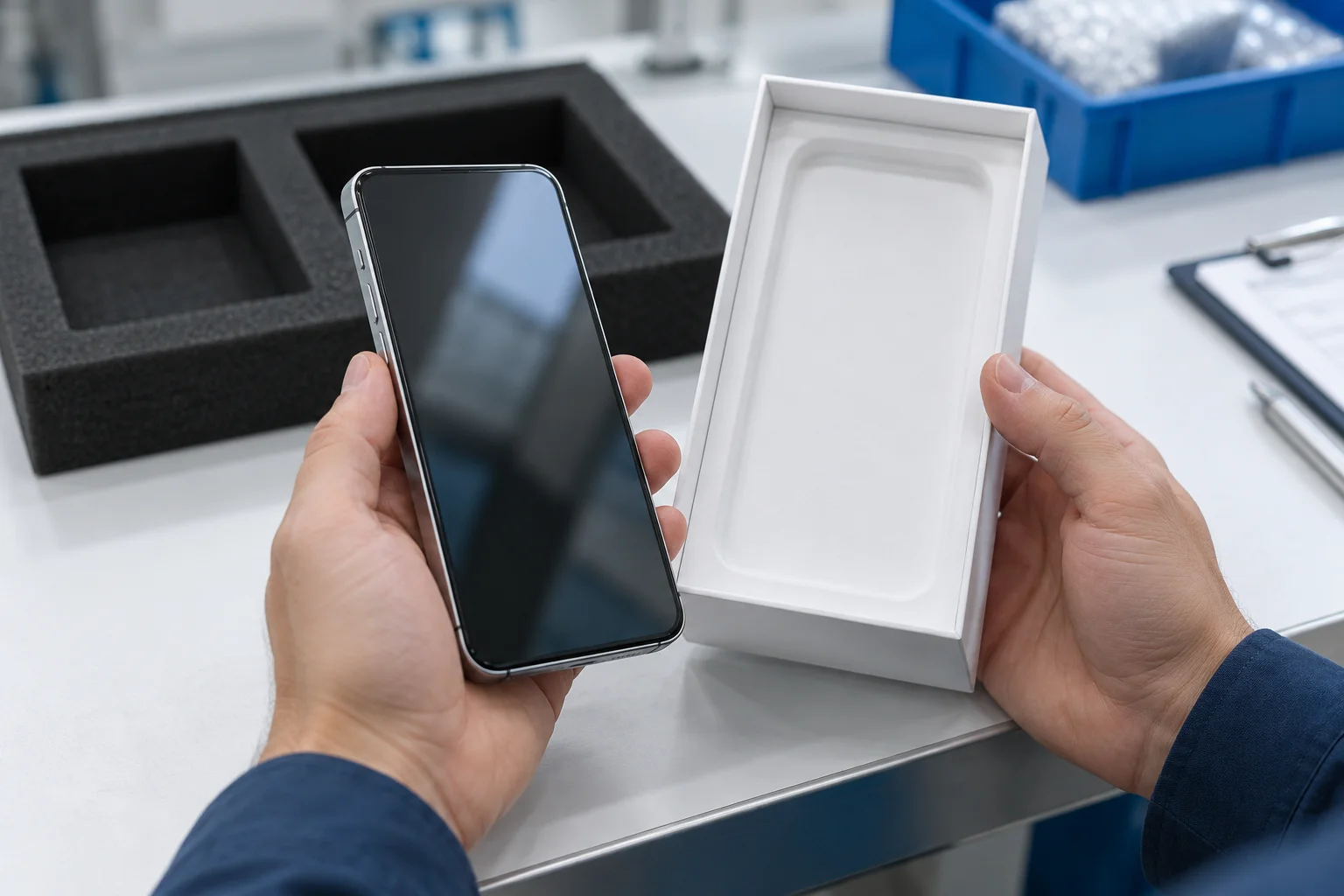
Read the identifier while handling the device. Compare it with the seller’s record and packaging; preserve any mismatch for review.
Compare the handset identifier with the order and packaging records.
A mismatch between reported device details and the physical device could indicate a counterfeit or tampered electronic identity.
Hold a mismatched device for clarification. For the receiving and packing-list workflow, use the [IMEI inventory reconciliation guide](/blog/imei-inventory-reconciliation-wholesale).
## Interpret the GSMA lost/stolen result
Green means the device IMEI is not currently flagged on the GSMA Block List.
Network blocking is an operator preventing use of a device on its network by blocking the IMEI.
A Red GSMA Device Check result means the device IMEI has been flagged on the GSMA Block List due to being lost or stolen, or otherwise unsuitable for use on cellular networks, and may be barred from sale or use.
If a contributor has not reported an identifier, the GSMA Block Lists contain no data relating to it.
Save the submitted identifier and the returned result together. For the proposed release record, keep a missing response or lookup error open as an exception. Request a completed response before deciding on the affected handset.
## Separate financial claims from carrier billing blocks
A carrier may block a device because of billing issues with its owner.
A device blocked for such billing issues would not appear on the GSMA Block List for that reason but may remain blocked with that carrier.
The General List lets contributors flag IMEIs subject to ownership or financial claims.
General List information is published via Device Check and is not downloadable.
Ownership or financial claims can concern devices in transit, in inventory or leased.
Device Check can reveal a financial or ownership claim so it can be resolved before purchase.
We verify every IMEI in your wholesale batch against GSMA Device Check and record the ownership or financial-claim result separately from the lost/stolen status, resolving or replacing any flagged unit before invoicing and packing-list release.
For a device blocked by a carrier because of billing issues with its owner, other carriers may or may not allow such a device on their networks.
Keep the Block List response, financial-claim response and carrier evidence in separate fields.
## Check carrier unlock and payment evidence in its own scope
An iPhone is unlocked if “No SIM restrictions” appears next to Carrier Lock.
Only the current carrier can unlock an iPhone for use with a different carrier.
Record the carrier-lock observation alongside the status checks. Ask for the payment and unlock evidence relevant to the original carrier. Use the following carrier-specific requirements when preparing that request.
## T-Mobile Postpaid
For T-Mobile Postpaid unlock eligibility, a device financed or leased through T‑Mobile must have all payments satisfied and be paid in full.
For T-Mobile Postpaid unlock eligibility, the account balance must be zero if the device is associated with a canceled account.
## AT&T Wireless
For AT&T Wireless unlocking, the installment balance must be zero before unlocking.
A current AT&T customer’s bill cannot be past due.
## Verizon device payment agreements
Verizon does not unlock a device flagged for fraud or reported lost or stolen even after full payment.
Use the carrier’s evidence to document the reason for any unresolved eligibility issue. On our wholesale batches, a “clean” status is always backed by the timestamped GSMA response file, carrier unlock check, and financial-claim record for each IMEI.
## Batch audit protocol: from lookup to release
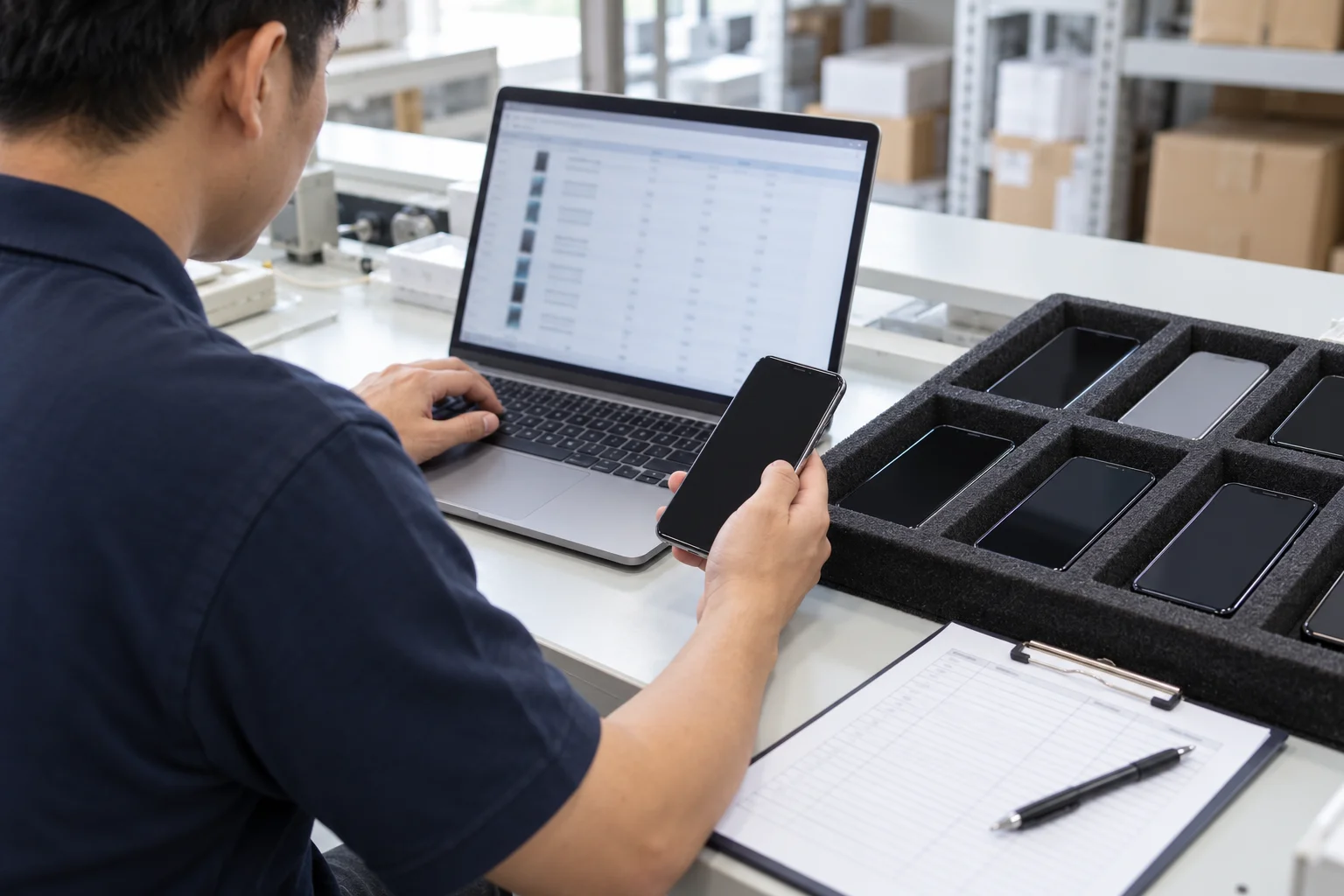
Use this recommended buyer checklist for the agreed shipment. Assign a reviewer and record a disposition against each exception.
## Identify and match
- Read each available handset identifier and join it to the order line and carton.
- Compare the identifiers with the agreed packing list.
- Preserve mismatches and ask the seller to reconcile them before release.
## Collect and review
- Request the current Block List response for the agreed identifiers.
- Request the ownership or financial-claim response separately.
- Attach the relevant carrier payment and unlock evidence.
- Keep the original response reference with its identifier, provider and query time.
- Ask for resolution of flagged claims and save the follow-up response.
## Recheck at the decision point
Device status may change after a check has been performed.
An upload after a device is reported lost, stolen or found can take up to twenty-four (24) hours, and sometimes longer.
Agree a recheck at the payment or dispatch decision point, and repeat the relevant checks after a batch change. Save the original and updated responses together. Keep unresolved devices outside the proposed release set until the evidence has been reconciled.
## Join the release decision to the cartons
A critical tracking event record includes the event date and time, including time zone and UTC time offset.
A critical tracking event record includes the business process step and disposition.
Packing or unpacking traceability events need a recorded parent-child relationship for each containment level.
Apply these traceability principles to the batch: record the query event, review decision and handset-to-carton relationship. Keep the final packing-list version with the release decision.
Join the reviewed handset list to the final carton and packing-list references.
## Copyable batch record fields
- Batch and order reference; packing-list version
- Physical device reference; observed model; identifier type and value
- Carton reference
- Check provider; query time and time zone; response-file reference
- Block List result
- Ownership or financial-claim result
- Carrier payment evidence; carrier-lock observation
- Mismatch or exception; requested resolution
- Reviewer; disposition; release decision time
## Resolve a disputed status and protect the records
Commercial and government Device Check users should contact the organisation that flagged the device.
Access to block-list data is to be limited to authorised personnel on a need-to-know basis.
Block List Services users are prohibited from disclosing the Contributor name to the general public.
Keep query receipts and escalation details in the restricted order file. Ask the seller for a resolved response tied to the affected identifier before reconsidering release.
## Frequently asked questions
## Can a phone’s status change after it was checked?
Device status may change after a check has been performed.
Recheck at the agreed decision point and retain the earlier response with the new result.
## Does a financial claim always mean overdue installments?
Ownership or financial claims can concern devices in transit, in inventory or leased.
We verify and clear the specific ownership or financial claim on every IMEI before invoicing and attach the response file to your batch packing list.
## Does an unlocked iPhone answer the carrier-lock question?
An iPhone is unlocked if “No SIM restrictions” appears next to Carrier Lock.
Record that observation in the carrier-lock field; request the Block List and financial-claim responses separately.
## RFQ Fields
[Request a quote](/rfq) with your sourcing requirements and proposed acceptance checklist. Keep device-level status receipts in the restricted order file.
- Requested handset models and condition
- Destination market
- Proposed batch and packing-list references
- Required status and carrier evidence
- Preferred payment and dispatch review points
- Exception resolution and release instructions
## Sources
- GSMA — Device Check FAQ
- GSMA — Device Check Terms of Use
- Apple — Find the serial number, EID, or IMEI
- GSMA — Block List Services Description
- GSMA — Updates and enhancements to Device Registry
- GSMA — Device Check
- Apple — How to unlock your iPhone
- T-Mobile — Device Unlock Policy
- AT&T — Learn how to unlock your device
- Verizon — Device Unlocking FAQs
- Global Traceability Standard