# Knox Guard in Samsung Wholesale Lots: Download Mode KG State Inspection & Lot Quarantine
A wholesale buyer and warehouse QC guide for verifying Download Mode KG State, cloud financing locks, and IMEI reconciliation across Samsung handset lots.
- URL: https://nexussupplytech.com/blog/knox-guard-bit-for-samsung-wholesale
- Category: Wholesale
- Date: 2026-11-04
- Author: Jack Lau
- Read time: Buyer audit guide
- Tags: Quality Control, Android Wholesale, Phone Sourcing, Order Evidence
- Related solution: [Explore Mobile Phones Wholesale](https://nexussupplytech.com/mobile-phones-wholesale)
## Key Takeaways
- To check a Samsung device's KG Status in Download Mode, power off the device, hold Vol Up + Vol Down, and connect a USB cable; the KG Status is displayed on screen alongside OEM Lock and FRP Lock with common values Checking, Prenormal, Locked, Broken, and Completed.
- Before Knox Guard activates on a device, control over the device cannot be guaranteed, and in logistics, transportation, or online sales sectors Knox Guard cannot prevent tampering until the device connects to a network.
- When a device in Knox Guard is marked for completion, its status changes to Completing, and the admin has 2 days to cancel the action and revert the device to the Active state.
- On NexusSupply's wholesale Android quality-control framework, still photos do not demonstrate active functions or batch conformity, whereas continuous video covers box-to-device continuity, navigation, startup, and agreed basic checks.
## What Knox Guard controls on Samsung wholesale handsets
When sourcing a Samsung batch through our [mobile phones wholesale](/mobile-phones-wholesale) catalog, buyers need a repeatable receiving check to confirm that no handset carries an active or pending cloud financing lock.
Use the [mobile phone wholesale quality control checklist](/blog/mobile-phone-wholesale-quality-control-checklist) alongside this guide to align boot verification, video evidence, and carton reconciliation before releasing payment.
Knox Guard is a cloud-based service that enables organizations to protect devices, enterprise assets, and payment plans from fraud and theft.
With Knox Guard, admins can remotely manage, message, and lock Samsung devices to reduce financial risk, black market sales of devices, and overdue subscriber payments.
Knox cloud services are officially supported on Samsung devices running any of the 5 most recent major Android versions, including the latest version.
Knox Guard only supports Samsung devices manufactured with Android 11 or later.
There are 4 tenant domains available in Knox Guard: Device Financing, Device Insurance, Enterprise, and Other; a domain can only be selected 1 time and cannot be changed once confirmed.
For Knox Guard tenants in the Device Financing domain, Knox Guard version 3.0 indicates the device supports Hardened Security mode, whereas Before 3.0 indicates the device does not have hardened security architecture.
PayJoy is active in some 20 developing markets (including Mexico, where it has a Net Promoter Score of 80) and uses Samsung Knox's hardware-backed security and server-based licensing support to lock financed smartphones when an installment payment is missed.
In Knox Guard, admins can remotely send blinking, non-dismissible payment reminder messages to delinquent devices until their payment status is restored to good standing.
Once a device is locked by Knox Guard, the device's USB, Bluetooth, NFC, FOTA, factory reset, and binary flashing capabilities are restricted.
Admin-initiated locks in Knox Guard block device users from accessing the camera, so users cannot use camera-based payment features such as scanning QR codes while the device is locked.
Knox Guard can block device provisioning on Knox Guard activated devices, preventing them from enrolling into Android Enterprise.
In the Knox Guard console, device columns report whether factory reset is blocked (Block factory reset), whether Android Debug Bridge (adb) communication is blocked (ADB Command), and whether access to the Developer options menu is blocked (Developer mode).
When configuring Knox Guard device lock or offline device lock contact information, Man Machine Interface (MMI) codes starting with *09, *42, *56, *60, *63, *64, *68, *72, *77, and *78 are blocked.
## Why home-screen checks and factory resets miss dormant Knox Guard policies
Inspecting only the Android home screen on an offline handset does not clear a wholesale lot, and buyers should pair regional variant verification from the [global vs China version Android phone guide](/blog/global-vs-china-version-android-phones) with networked activation and SIM policy checks.
When a reseller uploads a device to the Knox Guard console, it displays with the Pending status, and when accepted in the console its status changes to Activating.
Once an accepted device boots up and connects to a network, Knox Guard activation automatically begins, assigns a license, and changes the device's status to Active.
Devices must be in the Activating state within 7 days of initial boot up to automatically activate Knox Guard.
If a device misses the 7-day automatic activation window in Knox Guard, the device user must either visit Samsung Knox Guard on the device (and tap Enroll this device) or factory reset the device.
Using the Knox Guard Get device info REST API endpoint, Knox Guard activated devices return a status of Enrolled, while devices ready to activate return a status of Accepted.
For Normal financing tenants in Knox Guard, devices begin in the Active state and can be Locked if payments are overdue, whereas PAYG devices start in a Locked state, become Active for a specified time period with payment, and are Locked again afterward.
When auto-lock is enabled in Knox Guard, enrolled devices automatically lock as soon as they connect to a network to help prevent theft or misuse of devices in transit.
In Knox Guard's Offline device lock policy for a normal tenant, admins can specify a wait period of between 3 and 200 days before locking an offline device.
In Knox Guard, Offline device lock is not applicable to Pay-as-you-go (PAYG) tenants, and is automatically enabled and non-configurable if the Device Financing domain is selected.
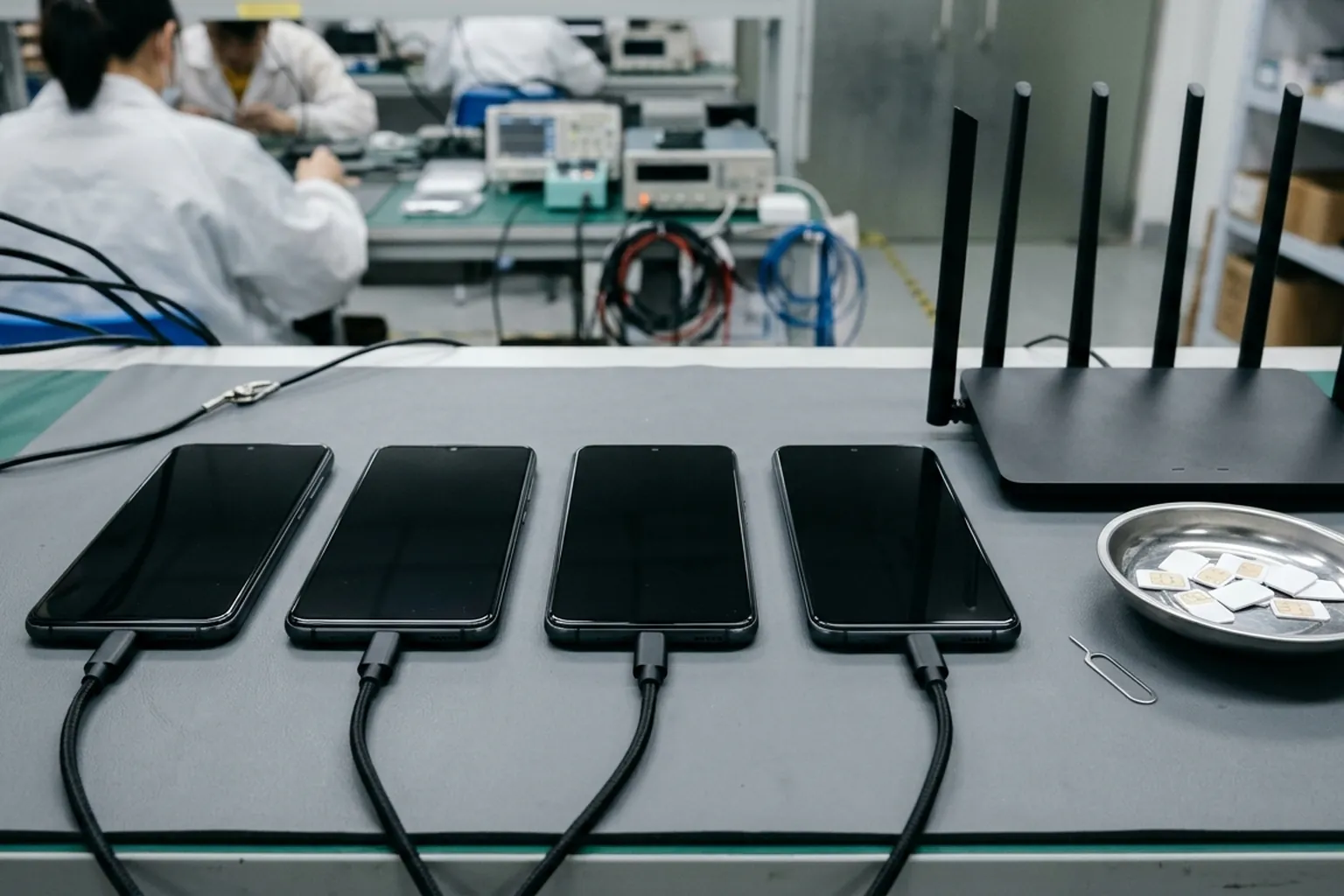
Stage sampled handsets with network access and destination SIM cards to expose pending activation and carrier SIM restrictions.
From Android 9, Knox Guard supports a remote SIM Control policy based on Mobile Country Code (MCC), Mobile Network Code (MNC), and Group Identifier Level 1 (GID1), allowing up to 50 MCC/MNC codes to be listed.
If a device's SIM card has MCC and MNC codes that do not match the configured SIM Control policy codes, Knox Guard can Lock Device, Restrict Voice Calls, Restrict SMS/MMS/RCS, or Restrict SIM data usage.
Knox Guard's Mobile Number (IMSI) Lock Policy locks a single-SIM or dual-SIM Samsung device if a non-designated mobile number (IMSI) SIM card is inserted, preventing end users from using other mobile numbers even from the same carrier.
On Samsung devices with hardened security architecture, once a device is unlocked offline with a PIN, it has 24 hours to connect to the Knox Guard server to receive a policy or it will lock again.
During the 24-hour PIN Unlock window on hardened security architecture devices, devices cannot be restarted before connecting to the Knox Guard server; if restarted, the window closes early and requires a new PIN code.
## Inspecting Download Mode KG State and OEM Lock before batch acceptance
Before approving a Samsung shipment, warehouse technicians boot units into Download Mode to read bootloader status lines alongside the Google account checks covered in the [wholesale Android FRP lock verification guide](/blog/frp-lock-wholesale-phone-rejection).
On Samsung Galaxy devices, RMM State became known as KG State (where KG stands for KnoxGuard) starting on Android Pie, and appears when the device is booted into Download Mode.
To check a Samsung device's KG Status in Download Mode, power off the device, hold Vol Up + Vol Down, and connect a USB cable; the KG Status is displayed on screen alongside OEM Lock and FRP Lock with common values Checking, Prenormal, Locked, Broken, and Completed.
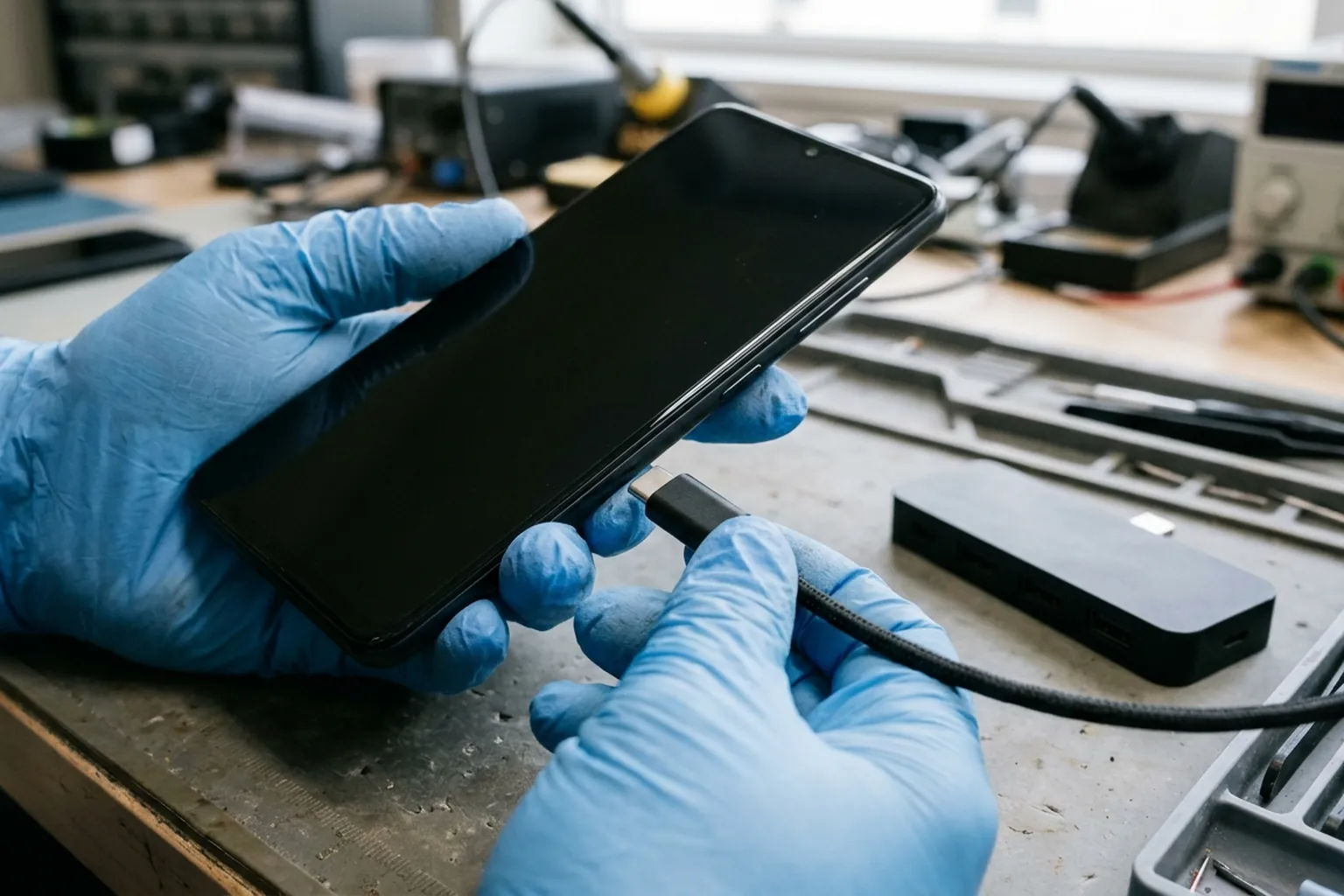
Power off the Samsung handset, hold Volume Up and Volume Down together, and connect a USB cable to inspect Download Mode status lines.
In GSM Supporters' KG Lock state table, Checking means the device is checking with Samsung servers, Prenormal means reset but not yet locked (which can transition to Locked when checking in with Samsung servers), Locked means KG lock is active, Broken means KG enforcement is damaged or bypassed, and Completed means the KG check passed and the device is free.
ChimeraTool documentation lists four Knox Guard statuses observable via Download Mode: prenormal, completed, allzero, and broken, and five RMM statuses: normal, locked, blink, prenormal, and completed.
When a Samsung Galaxy device is in Prenormal KG/RMM State, the OEM Unlock toggle is missing in Settings > Developer options, Download Mode shows RMM State: Prenormal or KG State: Prenormal, and Odin displays 'Only official released binaries are allowed to be flashed'.
On a Samsung Galaxy device where the OEM Unlock toggle is missing due to Prenormal state, clearing the lock period requires a SIM card inserted, network connection, and 7 Days (168 Hours) of continuous uptime without rebooting (viewed in Settings > About phone > Status).
In the Knox Guard status table, Active means the device is actively managed by Knox Guard and can be controlled, while Locked means the device is locked.
In the Knox Guard status table, Completed means device management is complete and the device is no longer managed by Knox Guard, and the Knox Guard client is deactivated when marked Complete or Rejected.
In Knox Guard, Complete status means the subscription loan was repaid in full by the device user.
When a device in Knox Guard is marked for completion, its status changes to Completing, and the admin has 2 days to cancel the action and revert the device to the Active state.
If no action is taken after 2 days in the Completing state, the device's status changes to Complete and Knox Guard service ends, though the device must still be manually removed from the Knox Guard server.
When a device's status changes to Complete in Knox Guard, all Knox Guard policies are fully removed from the device, the user regains full control, and no new policies can be applied.
## Joining Download Mode KG State to IMEI reconciliation and lot quarantine
Every Download Mode observation should be tied to the physical handset and shipping carton using the [IMEI inventory reconciliation worksheet](/blog/imei-inventory-reconciliation-wholesale), while keeping lost or stolen checks from the [blacklisted IMEI export audit guide](/blog/blacklisted-imei-check-before-export) and enterprise supervision checks from the [MDM lock detection and quarantine guide](/blog/mdm-lock-managed-phone-lots) in separate columns.
Phonecheck's wholesale Lock Detection documentation lists 5 lock categories checked at intake before payment: Find My iPhone and Apple ID locks, Google FRP, MDM enrollment, SIM and carrier locks, and carrier finance status.
According to the GSMA Device Check FAQ cited in NexusSupply's IMEI guides, a Green status means the device IMEI is not currently flagged on the GSMA Block List, while a carrier billing block does not appear on the GSMA Block List and the General List flags IMEIs subject to ownership or financial claims on devices in transit, in inventory, or leased.
The GSMA Device Check FAQ describes IMEI as the 15-digit electronic serial number of a GSM cellular device displayed by entering *#06# on the phone keypad, and because Microsoft Excel lists number precision as 15 digits, each identifier must be stored as text.
In the Knox Guard console, admins can query and retrieve the secondary IMEI (IMEI2) of dual-SIM devices using the Search function and export IMEI2 numbers by downloading the device list as a CSV file.
On the Knox Guard console Devices page, admins can search for a device by entering its IMEI or Approval ID, and can select a maximum of 8 columns in the device table.
In Knox Guard bulk actions, admins can select devices in bulk by entering their IMEIs or serial numbers into a standardized CSV template, with a maximum of 10,000 devices in 1 action.
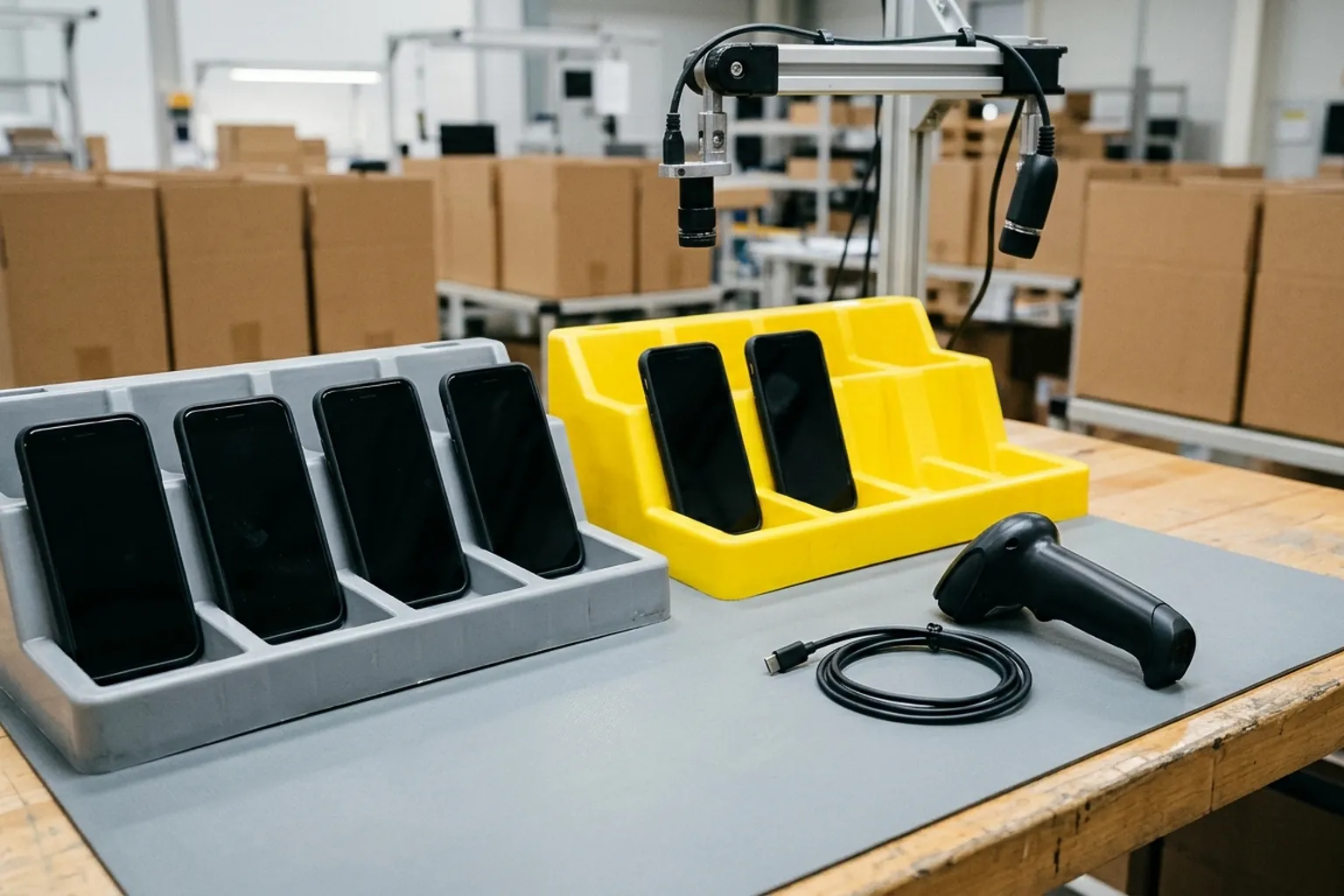
Segregate handsets with unresolved Download Mode status into a dedicated quarantine tray and link each identifier to continuous video evidence.
On NexusSupply's wholesale Android quality-control framework, still photos do not demonstrate active functions or batch conformity, whereas continuous video covers box-to-device continuity, navigation, startup, and agreed basic checks.
On NexusSupply's IMEI inventory reconciliation worksheet, each row records Order line, Model / variant, Identifier type, Device identifier, Carton, Receipt time, Exception (missing, extra, duplicate, mismatch), Evidence reference, and Buyer disposition (accept, clarify, hold, or reject).
## Copyable Samsung wholesale batch Knox Guard inspection checklist
- Order reference, packing-list revision, and carton identifier
- Samsung model, regional variant, primary IMEI, and dual-SIM secondary identifier stored as text
- Continuous video file linking carton label, keypad identifier display, and Download Mode screen
- Observed Download Mode status value alongside OEM Lock and FRP Lock lines
- Developer options menu check for OEM Unlock visibility and active network connection check
- Destination-market SIM card voice, messaging, and mobile data verification
- GSMA Block List and General List financial-claim check recorded separately from Knox Guard status
- Quarantine tray assignment, seller portal completion confirmation, and final buyer disposition
## Frequently asked questions
## What does KG State Prenormal mean compared with Completed in Samsung Download Mode?
In GSM Supporters' KG Lock state table, Checking means the device is checking with Samsung servers, Prenormal means reset but not yet locked (which can transition to Locked when checking in with Samsung servers), Locked means KG lock is active, Broken means KG enforcement is damaged or bypassed, and Completed means the KG check passed and the device is free. When a Samsung Galaxy device is in Prenormal KG/RMM State, the OEM Unlock toggle is missing in Settings > Developer options, Download Mode shows RMM State: Prenormal or KG State: Prenormal, and Odin displays 'Only official released binaries are allowed to be flashed'.
## Why must wholesale buyers wait 2 days when a seller marks a Knox Guard device for completion?
When a device in Knox Guard is marked for completion, its status changes to Completing, and the admin has 2 days to cancel the action and revert the device to the Active state. If no action is taken after 2 days in the Completing state, the device's status changes to Complete and Knox Guard service ends, though the device must still be manually removed from the Knox Guard server.
## Can an offline PIN unlock or keeping a Samsung phone offline permanently avoid a Knox Guard lock?
In Knox Guard's Offline device lock policy for a normal tenant, admins can specify a wait period of between 3 and 200 days before locking an offline device, and Offline device lock is automatically enabled and non-configurable if the Device Financing domain is selected. On Samsung devices with hardened security architecture, once a device is unlocked offline with a PIN, it has 24 hours to connect to the Knox Guard server to receive a policy or it will lock again.
## Does a Green GSMA Device Check result prove a Samsung lot is free of Knox Guard financing locks?
According to the GSMA Device Check FAQ cited in NexusSupply's IMEI guides, a Green status means the device IMEI is not currently flagged on the GSMA Block List, while a carrier billing block does not appear on the GSMA Block List and the General List flags IMEIs subject to ownership or financial claims on devices in transit, in inventory, or leased. Before Knox Guard activates on a device, control over the device cannot be guaranteed, and in logistics, transportation, or online sales sectors Knox Guard cannot prevent tampering until the device connects to a network.
## RFQ Fields
[Request a quote](/rfq) with your target Samsung models, quantity breakdown, and Download Mode inspection requirements.
- Target Samsung smartphone models, regional variants, storage, color, and condition
- Quantity per line item and carton packing list structure
- Pre-shipment Download Mode status and continuous video evidence scope
- Networked setup, SIM card compatibility, and dual-SIM identifier reconciliation rules
- Quarantine hold and seller portal completion confirmation terms before balance release
- Nominated delivery address in mainland China or Hong Kong, or warehouse pickup plan
## Sources
- Samsung Knox Documentation — Knox Guard Admin Guide Overview
- Samsung Knox Documentation — Knox Guard Status Flow
- Samsung Knox Documentation — What Does a Complete Device Status Mean in Knox Guard?
- Samsung Knox Documentation — Complete Device Management
- Samsung Knox Documentation — How to Activate a Device in Knox Guard
- Samsung Knox Documentation — Lock and Unlock Devices
- Samsung Knox Documentation — View Device Details
- Samsung Knox Developer Documentation — How Knox Guard Works
- Samsung Knox Documentation — Knox Guard Operational Guide
- Samsung Knox Documentation — About Knox Guard's SIM Control Policy
- Samsung Knox Documentation — Offline Device Lock
- Samsung Knox Documentation — Enable and Disable Auto-Lock
- Samsung Knox Documentation — About Knox Guard's Mobile Number (IMSI) Lock Policy
- Samsung Knox Partner Solutions — PayJoy
- The Custom Droid — Prevent Prenormal KG/RMM State on Samsung Galaxy Devices
- ChimeraTool Help — Samsung Knox Guard (KG) & RMM Unlock Functions
- GSM Supporters — Understanding Samsung KG Lock
- NexusSupply — Mobile Phone Wholesale Quality Control Checklist for Android Orders
- NexusSupply — FRP Lock in Wholesale Phone Lots
- NexusSupply — IMEI Inventory Reconciliation
- NexusSupply — Blacklisted IMEI Check Before Export