
A cable that seats in both ports can still fail to show a picture. A USB-C plug does not prove a display path. Approve a repeat SKU only after the host port, the cable and the monitor input are written as one path.
Start from the categories on the phone accessories wholesale page. Bundle choices stay on the store-ready accessories guide. This page only records one display path.
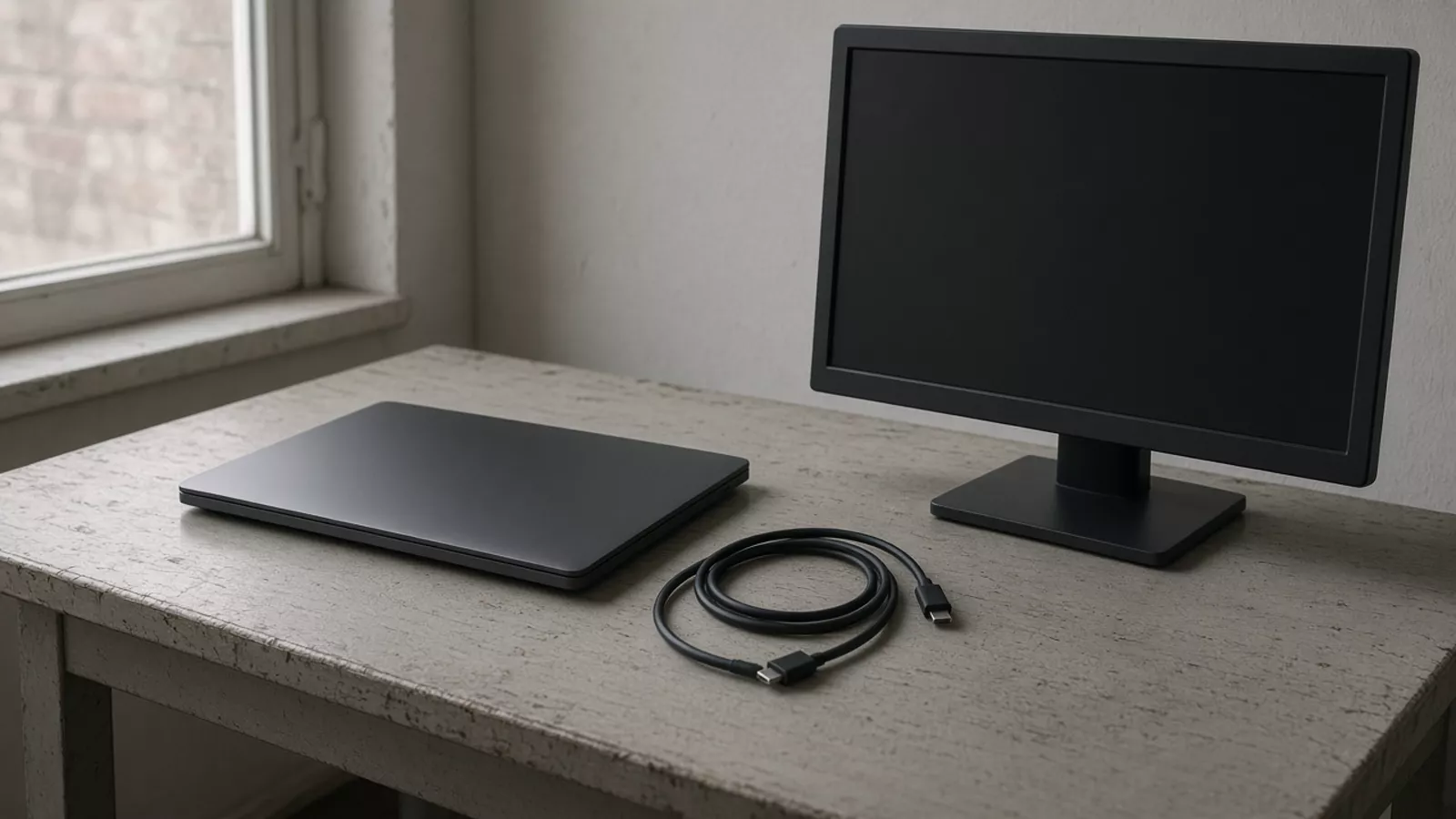
What has to be true before this cable is a monitor cable?
The host has to send video from the port you name, the cable has to be the one on that path, and the monitor has to use the input you name. Until those three notes exist, the resolution, the length and the observed picture stay blank.
Key Takeaways
- Write the host, the cable and the monitor input on one row.
- Copy a power or data marking from the cable itself. A marking is not a picture on the monitor.
- A DisplayPort logo beside a USB-C port is a host-port clue in Dell’s guide. It does not close the row.
- Leave intended resolution, approved length and the observed picture blank until a document or a sample fills them.
Copy this blank path record
Use one row per candidate line. Leave a cell blank until a document or a sample fills it. Do not paste a live customer install into a published copy of this page.
| Host | Host port evidence | Cable reference | Marking copied from the cable | Monitor | Monitor input | Intended resolution / refresh | Document revision | Connector path | Approved length | Observed picture | Unresolved |
|---|---|---|---|---|---|---|---|---|---|---|---|
Host port evidence is the document revision or the port photo you actually have. Marking copied from the cable is the icon or text printed on that cable. Observed picture is what the named combination showed, written only after someone watches it. A blank cell stays an open question.
Read one incomplete example
Every token below is a placeholder. This row is not a stocked cable, a customer install, or a measured picture.
| Host | Host port evidence | Cable reference | Marking copied from the cable | Monitor | Monitor input | Intended resolution / refresh | Document revision | Connector path | Approved length | Observed picture | Unresolved |
|---|---|---|---|---|---|---|---|---|---|---|---|
| HYP-HOST-01 | Port photo filed. DisplayPort logo not recorded | HYP-CABLE-01 | HYP-MON-01 | USB-C shaped input, named by the buyer | HYP-HOST-01 USB-C port, then HYP-CABLE-01, then HYP-MON-01 USB-C shaped input | marking, resolution, length, observed picture |
Read the row as unfinished. The connector path names the three objects. It does not say a picture appeared.
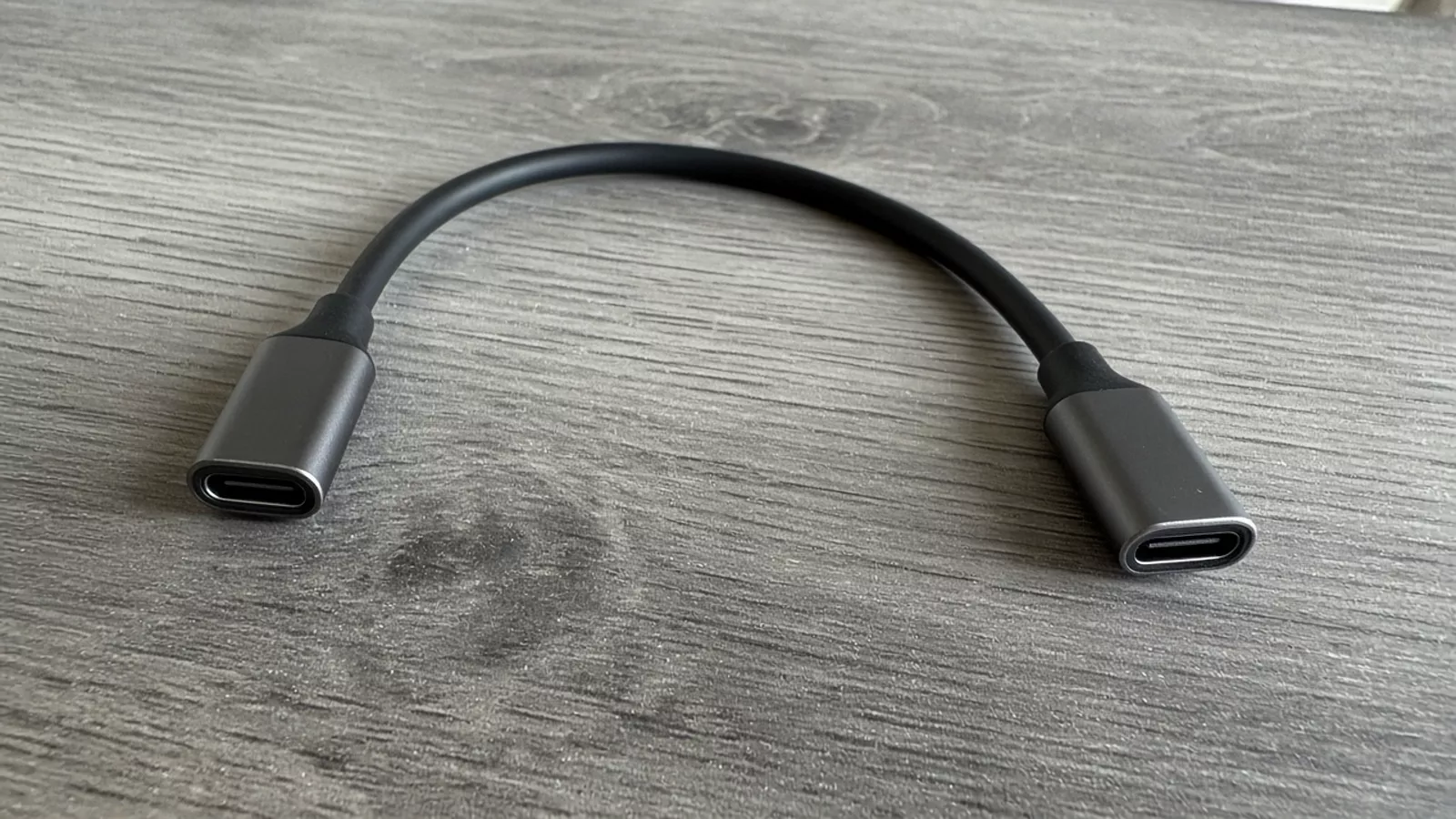
Copy the cable marking instead of filling it in
USB-IF’s cable and connector page, saved 11 October 2026, says cables do not all have the same capabilities. It also says a certified cable does not add capability to the products it connects, and does not remove the need to certify those products.
In the USB-C to USB-C section, USB-IF says that a cable passing its compliance program must be labeled with a 60W or 240W power icon, and that the logo has to be on the cable before compliance testing. A High-Speed USB (USB 2.0) USB-C to USB-C cable needs that power icon. The USB 2.0 or High-Speed logo on that cable is optional. USB-IF says the other USB-C to USB-C cables in the program also carry a data-rate mark. Its example is a USB 20Gbps USB-C to USB-C cable that supports 20V at 3A, marked with the combined 20Gbps/60W logo.
Those are labeling rules for the compliance program. They are not a rating for HYP-CABLE-01, and they are not a rating for a line on this site. Write the icon and the data mark you can see on the candidate. If the jacket has no mark, leave the cell blank.
USB-IF also says a captive cable is not eligible for that cable certification. It defines a captive cable as one USB connector with the other end fixed to a product or fitted with a non-USB connector. A USB-C to USB-C cable and a captive lead are different rows.
Check the host port in the device document
Dell knowledge-base article 000141328, last modified 1 May 2026, version 10, says DisplayPort over USB-C lets the USB-C connector and cable carry DisplayPort audio and video. Dell says VESA published that method as the DisplayPort Alt Mode for USB-C standard. The same article says the USB-C connector will appear on phones, tablets, PCs, laptops, docking stations, displays and peripherals, that many of those systems are expected to support DisplayPort over USB-C, and that the reader should check the product documentation.
Dell says a USB-C connector that supports DisplayPort over USB-C includes the DisplayPort logo near the connector. Dell also says that if a display is plugged into a USB-C port that does not support DisplayPort over USB-C, no video is sent, the screen does not show that image, and the connection does not harm the device.
The logo is evidence about the port in the photo or the document. It does not fill the cable marking, the monitor input, the resolution or the observed picture. If the document revision is missing, leave that cell blank.
Name the monitor input on its own
The monitor input is its own cell. Two ports on one housing can be different shapes, so the row names the input the cable or adapter actually meets.
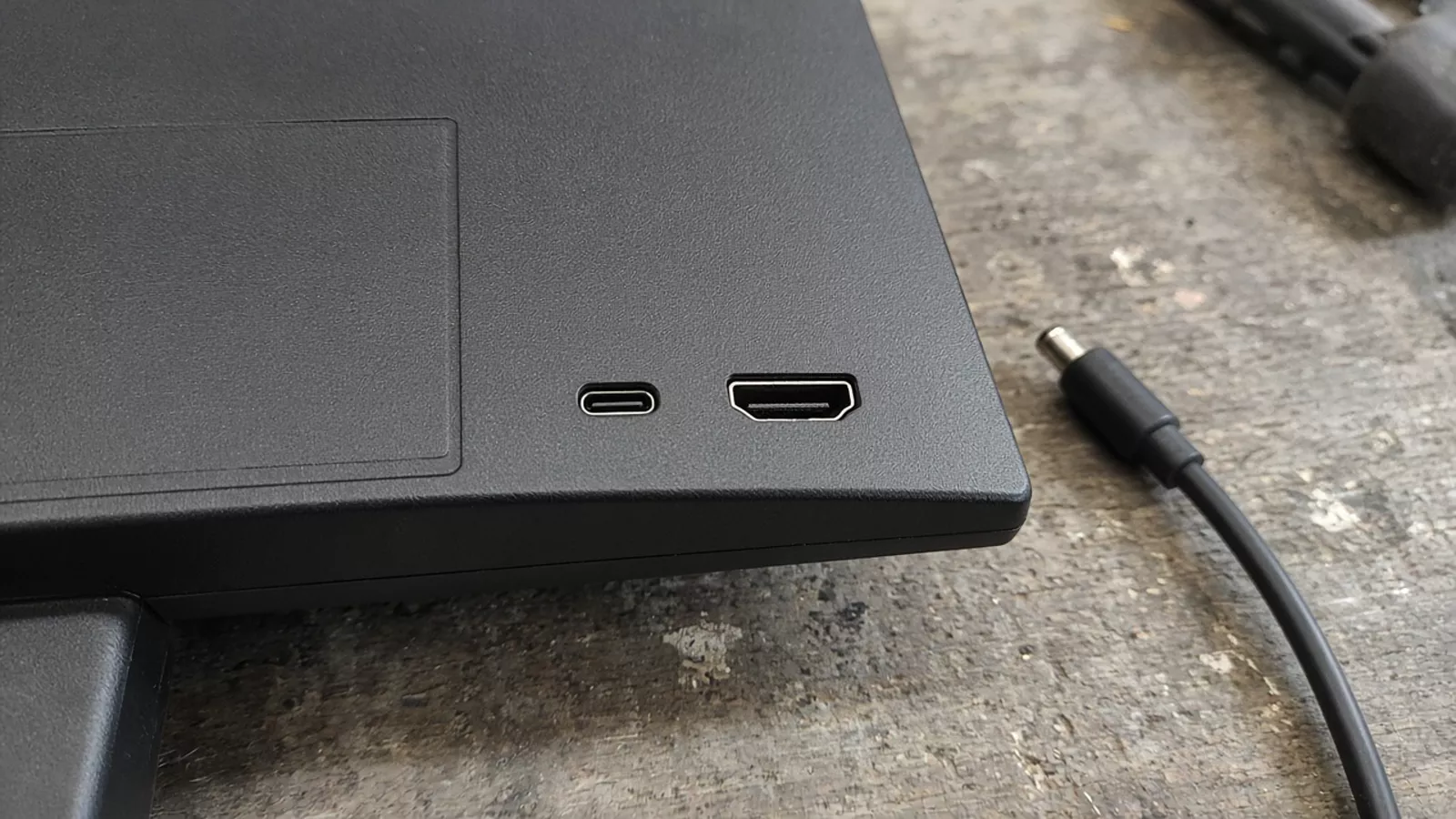
Dell’s article says adapter cables are available from DisplayPort over USB-C to DisplayPort, HDMI, DVI and VGA inputs. If this path uses an adapter, write the adapter into the connector-path cell. The article does not give a result for a named host and a named monitor. The observed-picture cell stays blank until a sample note is written.
What this record does not decide
Charging and file transfer stay on the Android charging cable worksheet. A power icon answers a labeling question on the cable. It does not approve a monitor line.
This page does not rank monitors, promise that a named phone can drive a display, or state which cable is in stock. International freight, destination clearance and local certification are outside the row.
Method and sources
Read 14 October 2026 from pages saved on 11 October 2026. Listing pages in the search results were used only to see that they do not provide a repeat-order row. The claims above stay inside the two pages named here.
- USB-IF, Cables and Connectors, USB-C to USB-C section, saved 11 October 2026. The page does not date its own revision in the text we read.
- Dell, Guide to DisplayPort over USB-C, article 000141328, last modified 1 May 2026, version 10.
Dell’s article also describes resolution and power ceilings for DisplayPort over USB-C in general. Those ceilings are not copied here, because this row has no named host, cable and monitor to attach them to. The photographs show ordinary objects on a table. They are not a shipment and not a display test.
What to send us
| Item | Why we need it | Example format |
|---|---|---|
| Host model and host-port note | Names one end of the path | Model, plus the document revision or a port photo |
| Monitor model and input | Names the other end | Model, plus the input you will use |
| Cable reference, copied marking and length | Names the cable on the line | Supplier reference, the mark as printed, length as printed |
| Display task, and intended resolution or refresh if you already have one | Says what the picture is supposed to do | A short requirement, or leave the cell blank |
| The path row, including cells you could not fill | Shows what is still open | The worksheet above |
We reply within 1 business day. Send the host model and port note, the monitor model and input, the cable reference with the copied marking and length, the display task, and the path row with its blank cells in an RFQ.