
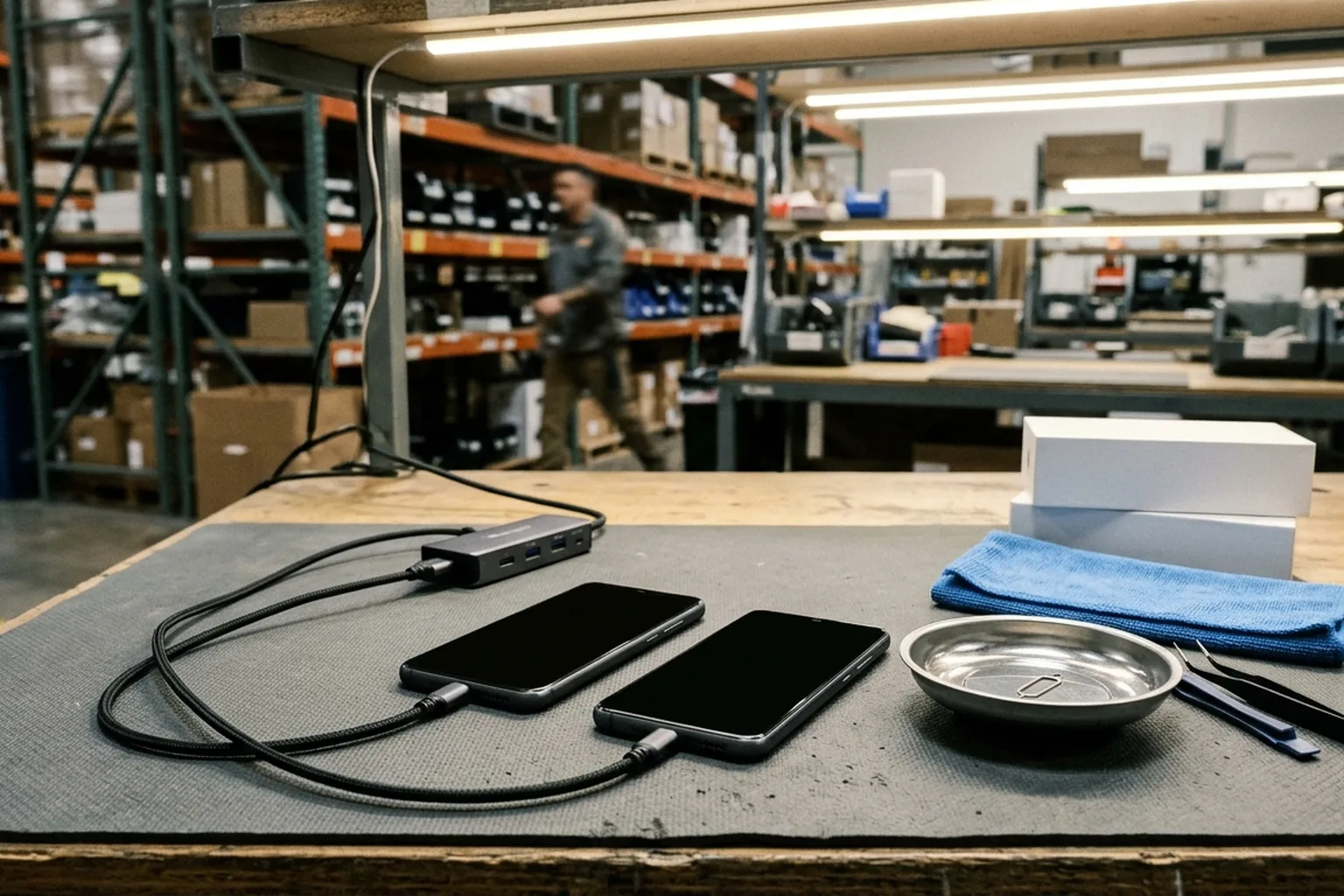
In wholesale Android phone trade, a wiped handset that boots to the language-selection screen is not automatically clear for resale. Before releasing payment or booking warehouse pickup on an order from the mobile phone wholesale catalog, buyers need a dedicated verification step inside the broader mobile phone wholesale quality control checklist to confirm that no previous Google account or enterprise policy binding remains active.
According to Samsung Support, Factory Reset Protection (FRP) is a security feature on Android devices with Android OS Version 5.1 (Lollipop) and higher. Device protection helps prevent others from using an Android device if it gets reset to factory settings without permission. On a Samsung Galaxy phone or tablet, Google Device Protection is automatically enabled when a user adds a Google account to the device and sets a Lock screen. According to Samsung Support, FRP is enabled automatically when a Google account has been registered on the device and is disabled if the Google account is removed from the device prior to the Factory Data Reset.
After a factory reset on a protected Android device, a user can sign in with any Google Account previously added and synced as an account or user (not as a guest); without it during setup, the device cannot be used at all. Before allowing anyone to provision an Android device after an unauthorized factory reset, consumer FRP requires the user in the setup wizard to authenticate against any Google Accounts previously on the personal profile. When an unauthorized reset is attempted on a Samsung Galaxy device with Google Device Protection, it requires the username and password of the last Google account used before the reset. Some device protection steps documented in Google Android Help work only on Android 8.1 and up.
Key Takeaways
- To turn off device protection, remove the Google Account from the device.
- Reject still photos as standalone proof of clearance; require continuous video showing box-to-device continuity, navigation, startup and agreed basic checks.
- Account for Samsung Support’s stated 24-72 hours password-reset sync window when scheduling pre-shipment verification on recently password-reset accounts.
- Screen corporate returns and trade-in lots across all five intake lock categories: Find My iPhone and Apple ID locks, Google FRP, MDM enrollment, SIM and carrier locks, and carrier finance status.
- Require Samsung Authorised Service Centre Proof of Purchase clearance when Google account credentials are unknown and FRP Lock has been triggered.
Why Factory Reset Protection Triggers in Wholesale Android Batches
To remove all data from an Android phone, resetting the phone to factory settings is also called formatting or a hard reset. How a technician initiates that wipe determines whether the handset is ready for the next buyer or locked to the previous owner. When erasing an Android device’s data using the Settings app, the user is asked to enter their screen lock before resetting. To perform a factory reset on a Samsung Galaxy device without triggering Google Device Protection, it must be reset through Settings; if reset through the Recovery menu, the Google account and password are required. After FRP has been activated on Samsung Android devices, if a device is Factory Reset in any way other than Settings > General Management > Reset > Factory Data Reset, the FRP Lock will be enabled.
If an Android device is reset using its buttons (Recovery mode), the user must enter their PIN, password, or pattern, or use the Google Account that was on the device before it was reset. If an Android device is remotely reset using Find Hub, the user must enter a Google username and password associated with the device. To reset a Pixel phone remotely, the phone must be connected to the internet and Find My Device must be turned on.
If a user recently reset their Google Account password, Google Android Help advises waiting 24 hours before performing a factory reset. On a Samsung Galaxy device, if a forgotten Google password is reset through the Google website, Google may require a 24-hour cool-down period before the new password will unlock the device. Samsung Support states that if a user resets their Google account password, it can take 24-72 hours for the password reset to sync with all devices registered to the account. Samsung Support states that if a recently reset Google password is entered incorrectly on the device, the 24-72 hours sync time period restarts again for another 24-72 hours.
| Reset Pathway | Pre-Wipe Account State | Post-Reset Setup Wizard Behavior | Wholesale Lot Disposition |
|---|---|---|---|
| Android Settings Menu Reset | Google account removed beforehand in Settings | Buyer SOP: Proceeds past network setup without prior account prompt; FRP disabled when Google account removed beforehand | Eligible for shipment release |
| Android Settings Menu Reset | Screen lock PIN, pattern, or password entered during Settings erase | Settings erase asks for screen lock before reset; on a Samsung Galaxy device, resetting through Settings does not trigger Google Device Protection | Buyer SOP: Require prior Google account removal before shipment release |
| Recovery Mode Button Reset | Google account still registered on handset | Demands prior PIN, pattern, password, or synced Google account | Buyer SOP: Quarantine for seller cure or RMA rejection |
| Remote Find Hub Reset | Google account active during remote wipe | Demands associated Google username and password upon setup | Buyer SOP: Quarantine for seller cure or RMA rejection |
| Reset Immediately After Password Change | Google password changed right before wipe | Google may require a 24-hour cool-down period before the new password will unlock the device | Buyer SOP: Hold unit until cooldown expires and re-verify |
Pre-Wipe Sanitization and OS-Level Protections
Warehouse refurbishment teams prevent accidental lockouts by following a documented account-removal sequence before wiping any phone. To turn off device protection on an Android device, remove the Google Account from the device. On a Google Pixel phone, the associated Google Account username can be found in the Settings app by tapping Passwords & accounts. To remove a Google account on Android, open Settings > Passwords & accounts, tap the account under Accounts, tap Remove account, and confirm by tapping Remove account or Delete.
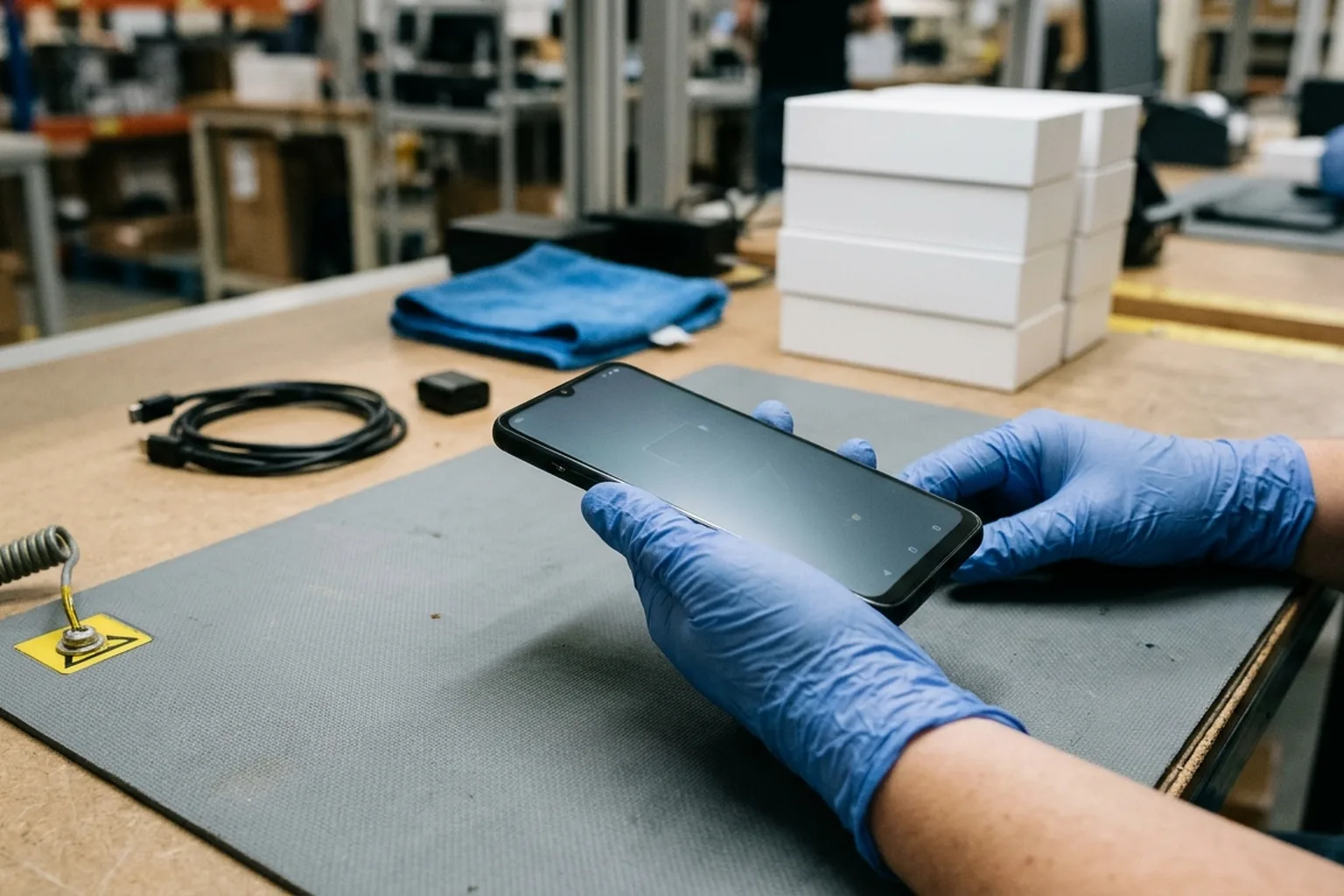
If the Google Account being removed is the only Google Account on the Android device, the user must enter the device’s pattern, PIN, or password for security. When you remove a Google account from an Android device, you delete everything associated with that account from the device, including email, contacts, and settings. For trade-ins on Pixel phones, Google instructs users to use the factory reset option available in the Settings app under System > Reset options > Erase all data (factory reset).
Technicians must also check Developer Options, battery charge, transit cards, and brand-specific prompts before starting the wipe. For devices with Android 14 or older with Developer options turned on, device protection can be turned off in Settings under System > Developer options > OEM unlocking by entering the PIN and tapping Enable. Android Enterprise documentation notes that factory reset protection is disabled if OEM unlocking is enabled in Developer Options. On devices with Android 15 and up, if a supported wallet uses transit card backup functionality, the user receives a reminder to back up transit cards before proceeding with a factory reset. An Android factory reset can take up to an hour, and the phone should be charged to at least 70%.
Samsung handsets require two additional pre-wipe checks on the bench. On a Samsung Galaxy phone, if a microSD card is encrypted, it must be decrypted via Settings > Decrypt SD card before resetting the phone, or the phone will not be able to read the data on the card. When performing a Factory data reset through Settings on a Samsung Galaxy phone, after tapping Delete all, the user is required to enter their Samsung account password if a Samsung account was added.
Enterprise FRP, Device Owner Policies, and Wholesale Intake Lock Categories
Corporate returns and mixed trade-in lots introduce enterprise management rules that differ from consumer Google accounts. Just as buyers use the used iPhone wholesale grading and QC checklist to separate Apple Activation Lock from Remote Management, Android buyers must screen for enterprise Device Policy Controller (DPC) restrictions alongside consumer FRP. Phonecheck’s wholesale Lock Detection documentation lists five lock categories checked at intake before payment: Find My iPhone and Apple ID locks, Google FRP, MDM enrollment, SIM and carrier locks, and carrier finance status.
Enterprise Device Owner and Profile Owner FRP Policies
If a user signs into a Pixel device with an account managed by an employer or educational institution, the user is notified that the device is managed, and the administrator can control the device. In an enterprise environment, if an organization does not know a departing employee’s account credentials, factory reset protection can block the organization’s ability to issue a device to another employee. When running in device owner mode, a DPC can use setFactoryResetProtectionPolicy() to control which accounts are authorized to provision a device after a factory reset.
Enterprise FRP also enforces specific identifier and timing rules that affect refurbishment intake. In Enterprise FRP, the userID is returned in the resourceName key in the form people/[userId] as an integer string, and newly-created accounts might not be available for factory reset purposes for 72 hours. A DPC enables the accounts that can provision devices after a factory reset by sending the broadcast com.google.android.gms.auth.FRP_CONFIG_CHANGED to package com.google.android.gms. Miradore MDM documentation states that configuring Enterprise Factory Reset Protection requires a fully managed Android device (Device Owner) and Miradore Android client version 2.8.8 or above, using the numeric Google account ID.
Buyers inspecting organization-owned stock must pay special attention to profile-owner locks, which can survive a normal Settings reset. In android.app.admin.FactoryResetProtectionPolicy, normally factory reset protection does not kick in if the device is factory reset via Settings, including when a device owner sets the policy. When a profile owner of an organization-owned Android device sets a factory reset protection policy that locks the device to specific accounts, the policy takes effect even if factory reset is performed from Settings. The FactoryResetProtectionPolicy methods getFactoryResetProtectionAccounts() and isFactoryResetProtectionEnabled() were added in API level 30.
| Intake Lock Category | Typical Source in Wholesale Lots | Impact on Setup and Resale | Pre-Payment Verification Action |
|---|---|---|---|
| Google Consumer FRP | Unauthorized factory reset with prior personal-profile Google Accounts | Setup wizard requires authentication against those Google Accounts | Buyer SOP: Connect to Wi-Fi and verify setup wizard |
| Enterprise FRP | Organization-owned profile owner policy | Restricts post-reset provisioning to administrator-specified accounts even after Settings reset | Buyer SOP: Verify DPC policy removal and organization release before lot approval |
Pre-Shipment QC Verification, Recovery Navigation, and Sanitization Standards
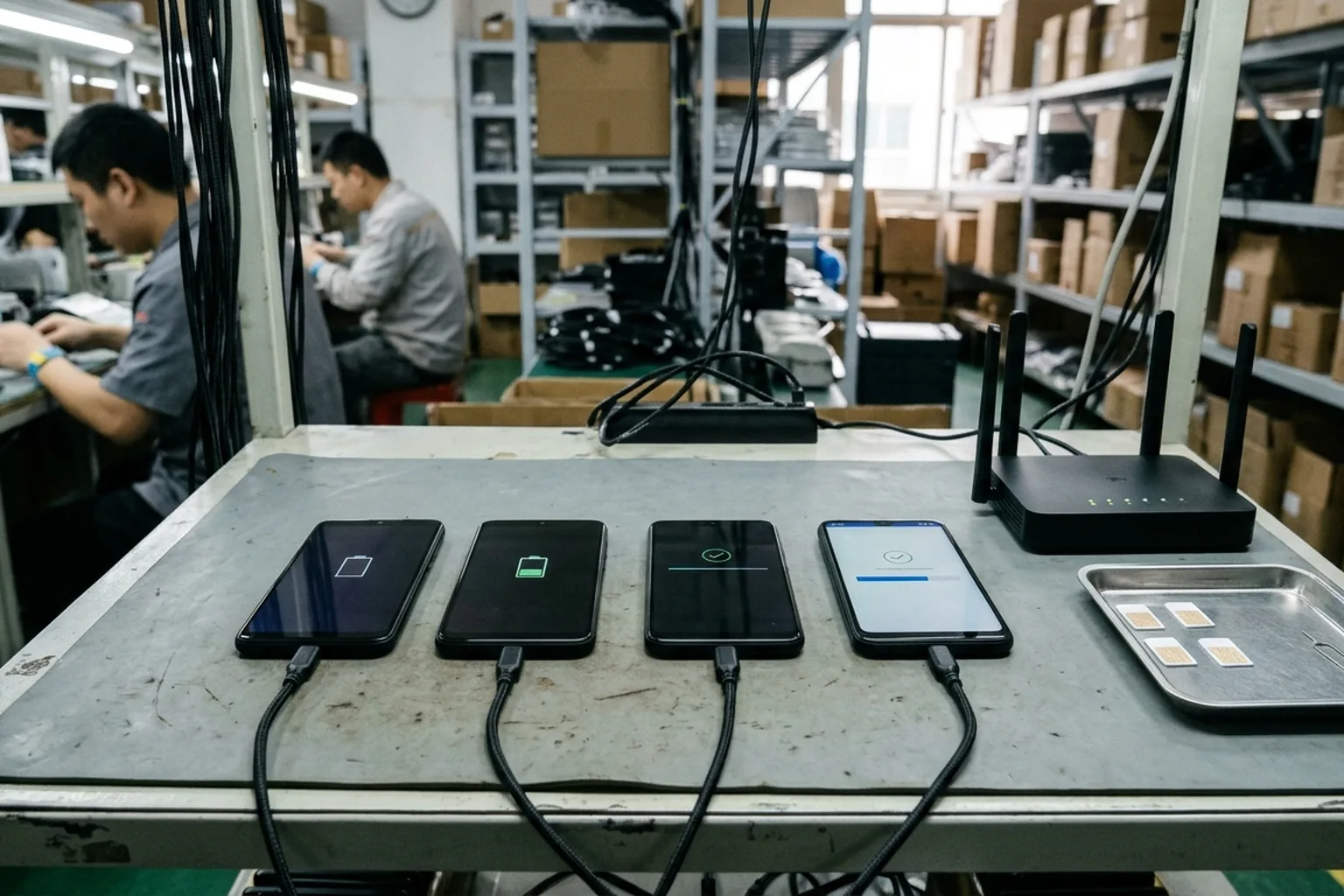
Before inspecting a batch, buyers should vet the counterparty through the China mobile phone supplier verification guide and link sampled units to carton records using the IMEI inventory reconciliation worksheet. On NexusSupply’s wholesale Android QC checklist, still photos do not demonstrate active functions or batch conformity, whereas continuous video covers box-to-device continuity, navigation, startup and agreed basic checks on selected units. When an Android factory reset completes, the phone must be connected to Wi-Fi or a mobile network to sign in to the Google Account.
Hardware Button Sequences on Locked or Sampled Devices
When warehouse technicians must power down or inspect recovery states on sampled devices, button hold durations vary by model generation. Phonecheck’s locked-Android reset guide states that to force a locked Android device to power off before entering recovery mode, the user presses and holds the power button and volume down button simultaneously for about 10-20 seconds. To turn on Fastboot mode on Pixel 6 and later after turning off the phone, press and hold the Volume down and Power buttons at the same time for up to 30 seconds until the Fastboot mode screen shows. To turn on Fastboot mode on earlier Pixel devices, press and hold the Volume up and Power buttons at the same time for up to 30 seconds until the Fastboot mode screen shows.
From Fastboot mode on a Pixel phone, use the Volume up or Volume down buttons until Recovery Mode is displayed, and press the Power button to select it. When a Pixel phone in Recovery Mode shows ‘No command,’ press and hold the Power button, press the Volume up button while holding Power, and let go of both buttons quickly. Under Android Recovery on a Pixel phone, select Wipe data/factory reset, then select Factory data reset; once complete, the screen shows ‘Data wipe complete,’ after which the user selects Reboot system now. Because wiping a Samsung Galaxy through the Recovery menu without first removing the Google account in Settings leaves Google Device Protection active, the Google account and password are required on this recovery path.
Biometric Removal and NIST Sanitization Verification
Refurbishment and wholesale QC protocols also align account removal with formal media-sanitization verification. Under Android 14 CDD, if a device treats a biometric sensor as Class 1, [C-1-5] requires implementations to completely remove all identifiable biometric data for a user when the user’s account is removed, including via a factory reset. In NIST SP 800-88 Rev. 1, two types of sanitization verification are considered: verification every time sanitization is applied, and representative sampling verification applied to a selected subset of the media.
For devices running the Google Android OS, the Clear sanitization method is to perform a factory reset through the device’s settings menu, while a remote wipe is treated as a Clear operation whose results cannot be verified. For Google Android OS devices, devices seeking to use a factory data reset to Purge media should use the eMMC Secure Erase or Secure Trim command, or some other equivalent method; some versions of Android may support Cryptographic Erase. In NIST SP 800-88 Rev. 1 for Google Android OS devices, following the Clear or Purge operation, operators should manually navigate to multiple areas of the device (such as browser history, files, photos) to verify no personal information was retained.
| Verification Dimension | Settings-Menu Clear Operation | Remote Wipe Operation | Post-Wipe QC Inspection Requirement |
|---|---|---|---|
| Account and Lock Removal | Google account removed in Settings before reset to turn off device protection | Remote Find Hub wipe requires a Google username and password associated with the device | Buyer SOP: Confirm Google account and screen lock are absent before packing |
| Sanitization Verification Status | Clear factory reset through the device settings menu | Treated as a Clear operation whose results cannot be verified | Buyer SOP: Require local Settings reset and on-bench verification |
| Biometric Data Clearance | Android 14 CDD Class 1 biometric [C-1-5] MUST completely remove all identifiable biometric data for a user when the user’s account is removed, including via a factory reset | Applies on account removal including via a factory reset | Buyer SOP: Verify clean setup through to home screen |
| Post-Reset Manual Navigation | Operator navigates browser history, files, and photos after reset | Manually navigate browser history, files, and photos after Clear or Purge | Buyer SOP: Record continuous video of post-reset navigation on sampled units |
Service Center Proof of Purchase, Quarantine Triage, and RMA Rejection Protocol
When a wholesale inspection uncovers handsets stuck at the Google account prompt, buyers should only accept legitimate credential sign-in by the seller or manufacturer service-center clearance backed by original purchase documentation. If a Samsung Galaxy user cannot remember any of their Google account information, they can send the device along with proof of purchase to an authorized Samsung Service Center. Samsung Support states that if a user cannot remember any of their Google account information and the FRP Lock has been triggered, visiting an Authorised Service Centre requires Proof of Purchase.
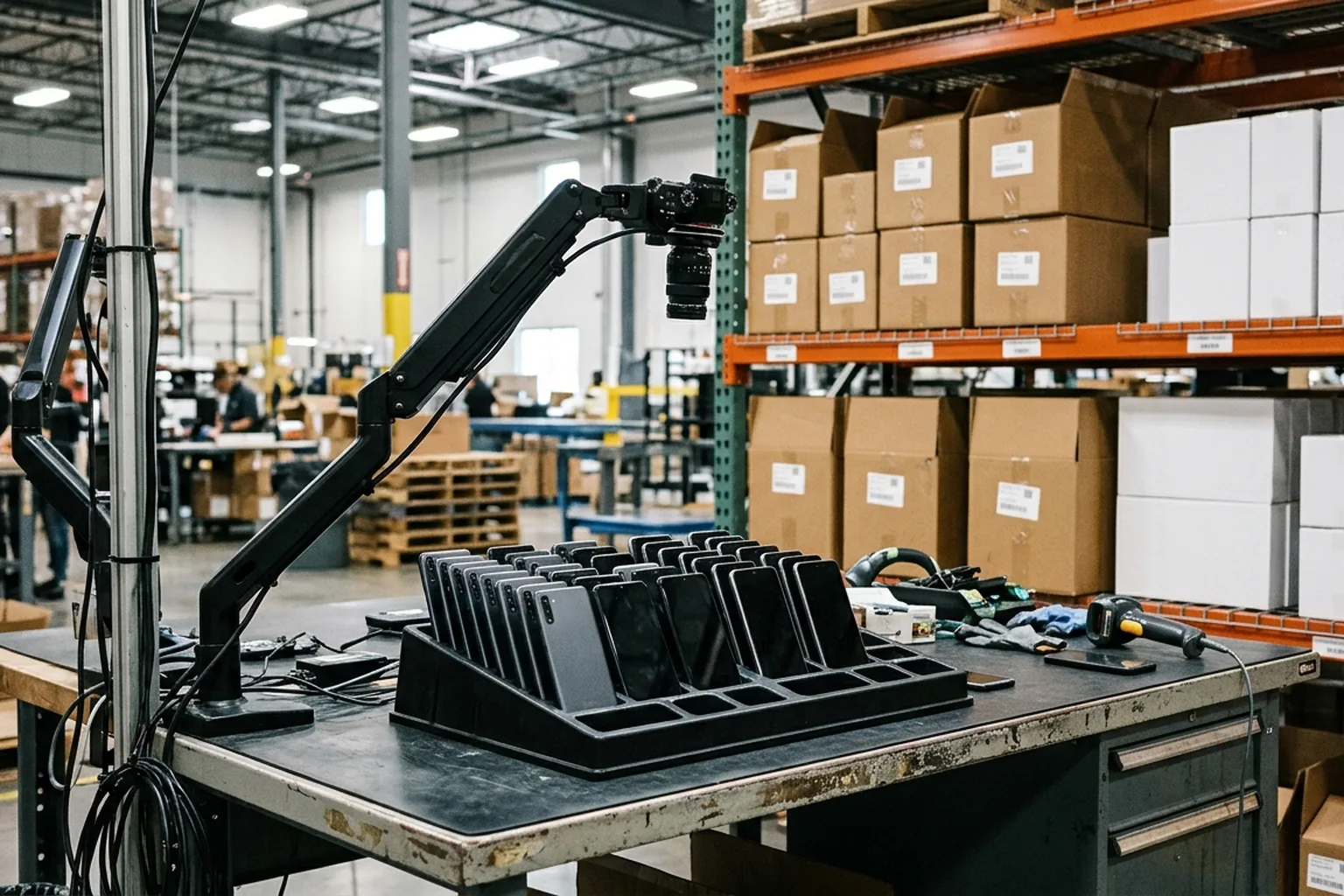
To prevent locked units from entering resale inventory, buyers should apply a structured three-stage quarantine and RMA rejection workflow before releasing final payment:
Stage One: Physical Quarantine and Continuous Video Evidence
Segregate every handset that demands a previous Google account, Samsung account, or enterprise administrator login into a dedicated quarantine tray. Capture a continuous video linking the order reference, retail or bulk box label, device identifier screen, active Wi-Fi connection, and the resulting account verification prompt.
Stage Two: Pre-Shipment Cure Window and Password Sync Hold
Before every Android shipment, our warehouse QC team removes prior Google accounts in Settings, runs an in-OS Factory Data Reset, and records continuous setup-wizard video on sampled units. When you inspect a batch with us, share the quarantine manifest and video files for any flagged unit immediately: if a bench test account recently underwent a password reset, we hold the affected units through the 24–72 hour password sync cooldown window and re-test over Wi-Fi; any unit that still shows an account prompt is replaced or credited before handoff.
Stage Three: Pre-Handoff Replacement or Credit Note
We exclude any uncured account-locked handset from shipment release and provide either a verified clean replacement unit before warehouse handoff or a written credit deduction against the order balance.
| Observed Exception State | Root Cause in Supplier Workflow | Acceptable Cure Path | Disposition If Uncured |
|---|---|---|---|
| Consumer Google FRP Prompt After Recovery Wipe | Technician wiped phone via Recovery buttons while Google account remained registered | Google account and password are required after Recovery menu reset | Buyer SOP: Reject unit for replacement or credit note |
| Recently Reset Google Password Rejected at Setup | Seller changed Google password shortly before reset or entered password incorrectly | Incorrect password entry restarts the 24-72 hours sync time period | Buyer SOP: Reject unit if seller credentials fail after cooldown |
| Samsung Account Password Prompt on Delete All | Samsung account remained signed in when initiating Factory Data Reset | Delete all requires Samsung account password if a Samsung account was added | Buyer SOP: Reject unit for replacement or credit note |
| Organization-Owned Profile Owner FRP Lock | Enterprise profile owner policy persists even after Settings factory reset | Policy takes effect even if factory reset is performed from Settings | Buyer SOP: Reject affected corporate lot |
| Unknown Previous Owner Credentials | Trade-in unit acquired without prior account removal | Authorised Service Centre unlock with formal Proof of Purchase | Buyer SOP: Full RMA rejection and credit deduction |
Copyable Protocol: Android Batch FRP Lock Sampling & Defective Unit RMA Rejection Template
Use this operational protocol in your purchase order addendum, pre-shipment QC instructions, or receiving warehouse inspection sheet.
Pre-Shipment Sanitization & Setup Verification Clause
- Scope of Coverage: All Android smartphones and tablets on Order Reference [Insert PO / RFQ Reference] across all product lines and condition grades.
- Mandatory Pre-Wipe Account Removal: Supplier shall remove Google accounts via Settings > Passwords & accounts before initiating an in-OS Factory Data Reset through Settings; for Samsung Galaxy units with an encrypted microSD card, Supplier shall also decrypt via Settings > Decrypt SD card.
- Untrusted Wipe Consequence: Wiping signed-in handsets through Recovery Mode buttons requires the prior PIN, password, pattern, or the Google Account that was on the device before reset; remote Find Hub resets require the associated Google username and password.
- Verification Method: Supplier shall apply every-time verification or agreed representative sampling verification, and manually navigate browser history, files, and photos after Clear or Purge to verify no personal information was retained.
- Continuous Video Evidence Pack: Sampled verification videos must show box-to-device continuity, navigation, startup and agreed basic checks on selected units.
Quarantine & Defective Unit RMA Rejection Log Fields
| Log Field | Required Data Entry | Verification Rule |
|---|---|---|
| Exception Ticket ID | Unique quarantine reference code | Assigned per rejected handset before carton sealing |
| Order Line & SKU | Brand, model code, storage, color, and grade | Matched against pro forma invoice line item |
| Device Identifier | IMEI and hardware serial number | Cross-matched between box label, device screen, and packing list |
| Observed Lock Category | Google FRP, MDM enrollment, Apple ID lock, SIM lock, or carrier finance status | Classified at intake before payment release |
| Evidence File Name | Unedited continuous video filename | Links box, device identifier, Wi-Fi connection, and lock screen |
| Cooldown or Cure Status | Pending password sync window, cured on re-test, or uncured | Logged at expiration of the agreed cure window |
| Commercial Resolution | Pre-shipment replacement unit, invoice deduction, or RMA credit note | Confirmed in writing before final balance release |
RFQ Fields
When submitting an Android smartphone or tablet inquiry, include these FRP and device-state requirements alongside your SKU list:
- Exact brand, model code, regional version, RAM, storage, color, condition grade, and quantity by SKU.
- Requirement that the Google account is removed from the device prior to Factory Data Reset through the Settings menu so FRP is disabled.
- Selected sanitization verification mode (every-time verification or representative sampling verification).
- Intake screening confirmation across Google FRP, MDM enrollment, SIM and carrier locks, and carrier finance status.
- Exception handling rule for locked units, including password-reset cooldown hold limits and pre-shipment replacement or credit terms.
- Buyer-nominated mainland China or Hong Kong delivery address, or buyer-arranged UPS/DHL pickup plan.
We supply new Android phones and tablets, along with used iPhones, starting at 10 units with no per-SKU minimum, and accessory products starting at 20 units per SKU, with a minimum total order value above US$2,000. Payment is by T/T or L/C subject to RFQ terms, with delivery to your nominated address in mainland China or Hong Kong or by buyer-arranged UPS/DHL warehouse pickup. Submit your order specifications and inspection requirements through our RFQ page to confirm model availability and quotation terms.
Does a factory reset from Recovery Mode remove an FRP lock?
No. If an Android device is reset using its buttons (Recovery mode), the user must enter their PIN, password, or pattern, or use the Google Account that was on the device before it was reset.
Why must QC inspectors connect wiped Android phones to Wi-Fi after a factory reset?
When an Android factory reset completes, the phone must be connected to Wi-Fi or a mobile network to sign in to the Google Account.
How long does a Google password reset delay FRP verification on Samsung Galaxy devices?
Samsung Support states that if a user resets their Google account password, it can take 24-72 hours for the password reset to sync with all devices registered to the account, and if the password is entered incorrectly on the device, the 24-72 hours sync time period restarts again for another 24-72 hours.
What is required to unlock a Samsung phone at an authorized service center if Google credentials are lost?
Samsung Support states that if a user cannot remember any of their Google account information and the FRP Lock has been triggered, visiting an Authorised Service Centre requires Proof of Purchase.
Can an enterprise FRP policy remain active even after a factory reset from Settings?
Yes. When a profile owner of an organization-owned Android device sets a factory reset protection policy that locks the device to specific accounts, the policy takes effect even if factory reset is performed from Settings.
Sources
-
Google Android Help: Prevent others from using your device without permission.
-
Google Support: Reset your Android device to factory settings.
-
Google Android Help: Add or remove an account on Android.
-
Samsung US Support: Avoid Google Device Protection on your Galaxy phone or tablet.
-
Samsung New Zealand Support: What is Google FRP?
-
Android Enterprise Help: Enterprise Factory Reset Protection guide.
-
Android Developers Reference: FactoryResetProtectionPolicy administration class.
-
Android Open Source Project: Android Compatibility Definition Document biometrics removal requirement.
-
National Institute of Standards and Technology: Special Publication Guidelines for Media Sanitization.
-
Miradore Documentation: Enterprise Factory Reset Protection on Android.
-
Phonecheck Documentation: Wholesale Lock Detection and Locked Android Factory Reset guides.